Hi Friends,
After upgrading an AX2012 R2 environment to AX2012 R3, I was getting the below error on deploying the customized reports. Although, I verified that the reporting services extensions were installed, report server was configured properly and I was able to deploy the standard reports without any errors, I was still getting the below error on deploying the customized reports: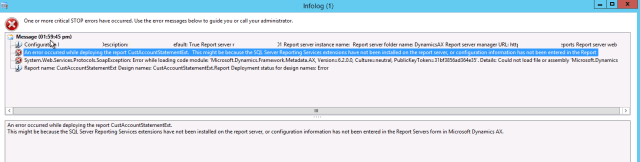


After upgrading an AX2012 R2 environment to AX2012 R3, I was getting the below error on deploying the customized reports. Although, I verified that the reporting services extensions were installed, report server was configured properly and I was able to deploy the standard reports without any errors, I was still getting the below error on deploying the customized reports:
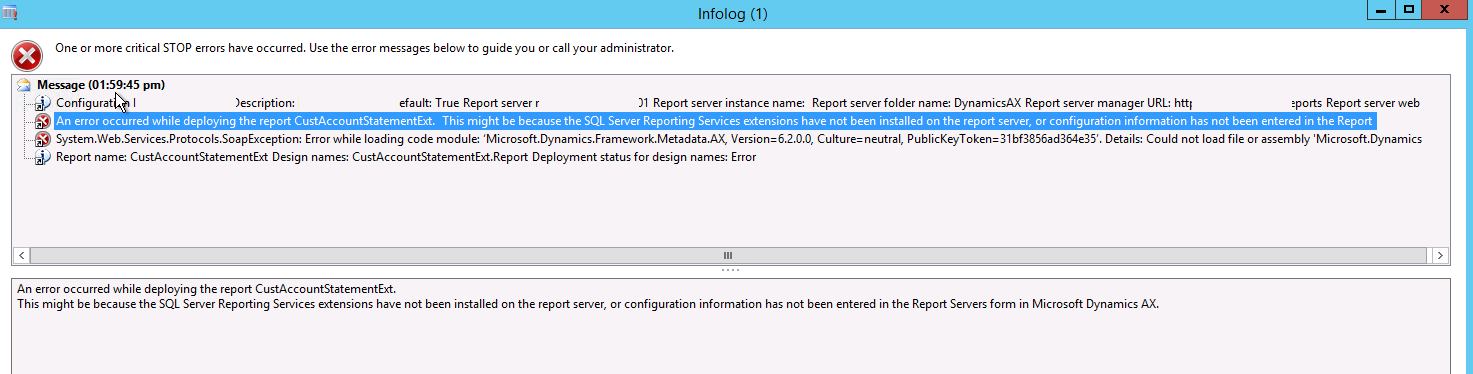

In order to fix this error:
1. Export the SSRS report object as a XPO.
2. Open the XPO in notepad.
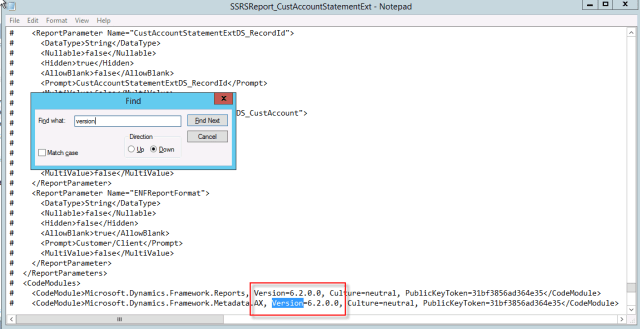
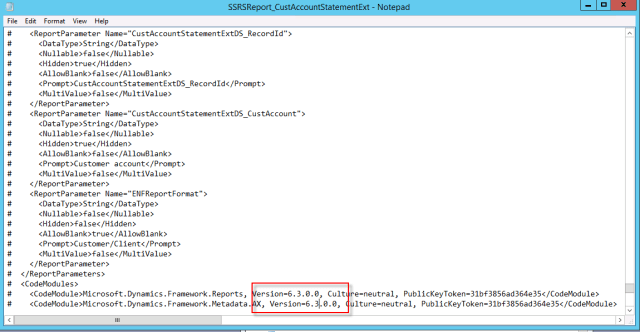
3. Search for text \”Version\” and replace version values from 6.2.0.0 to 6.3.0.0 towards the end of the file, shown below:
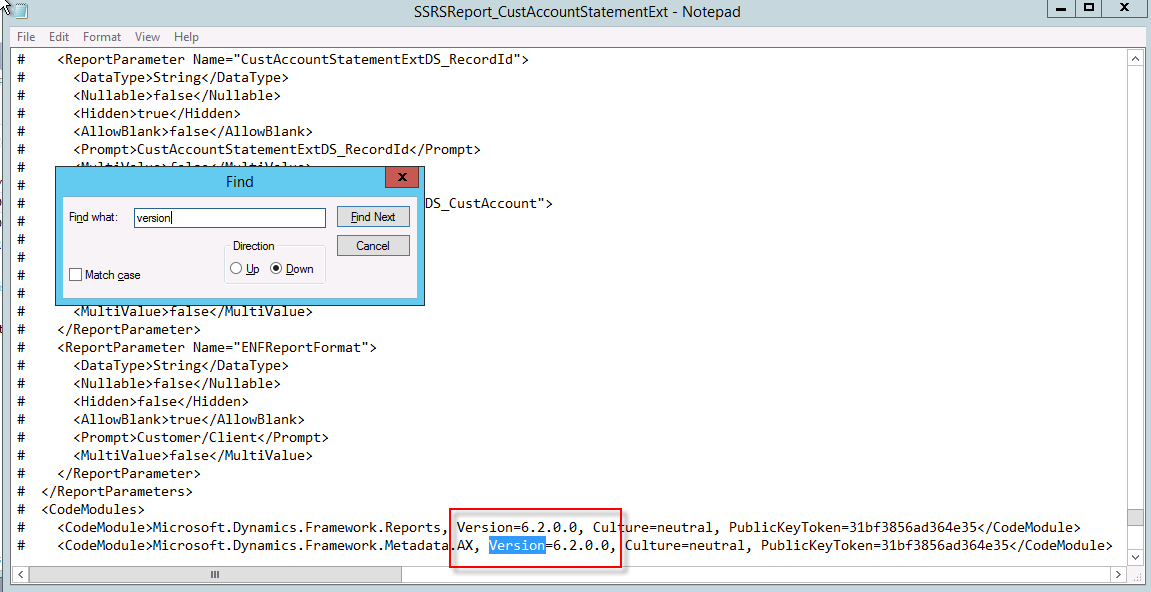
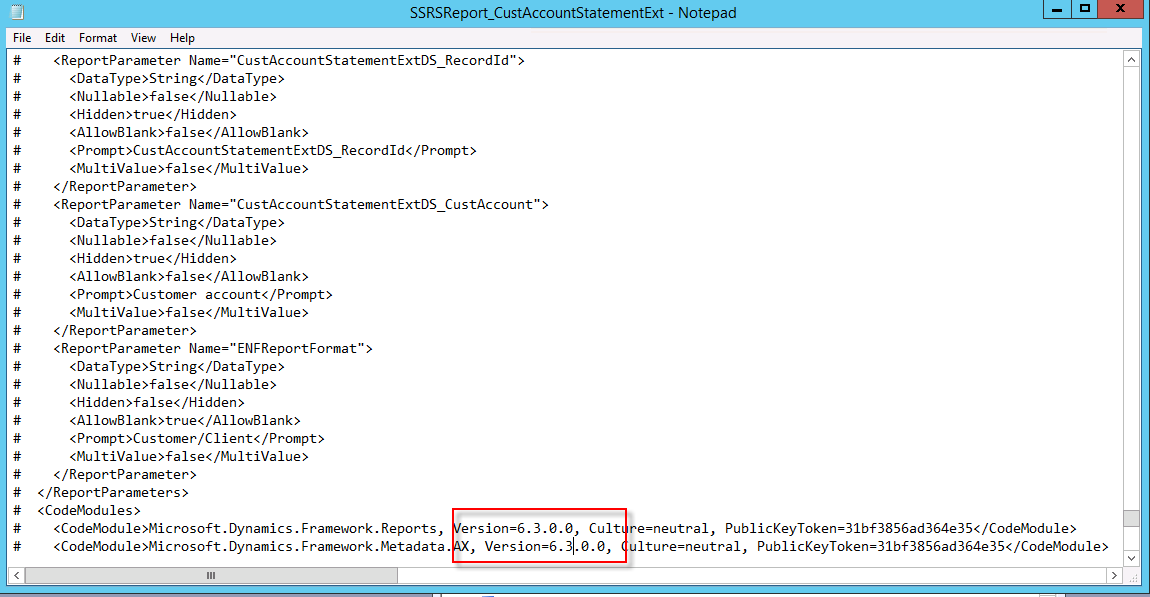
4. Save the changes in XPO and import it.
5. Deploy the report.

So if there are couple of reports, then export all of them together in in XPO and replace the text 6.2.0.0 to 6.3.0.0 and then import all the reports in one go. Of course, no need to mention that it\’s always worth taking backups before doing such tasks ;).

 Brewing thought
Leave a comment