Copilot for Finance is the next-generation AI assistant for finance professionals. The feature is preview mode ( as of March 2024).
In this blog post I am summarizing some key information related to sign up experience and the current capabilities.
Please note that Copilot for Finance is different from Copilot in Dynamics 365 Finance or Supply chain. In this blog post we are only talking about Copilot for Finance.
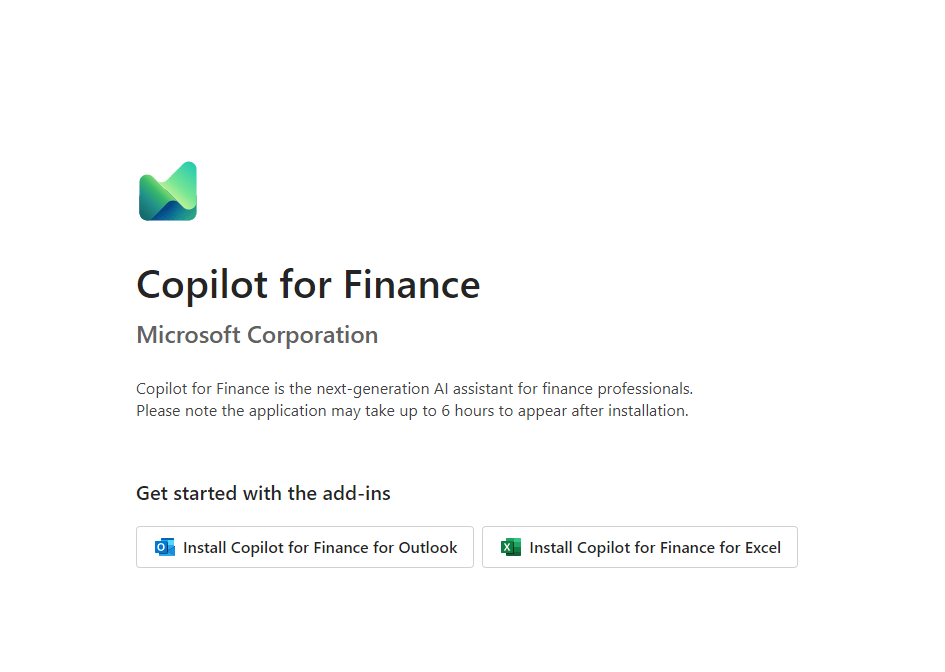
Copilot for finance is currently available as Add ins for Excel and Outlook . Below is a experience when you sign up and your email address is validated.
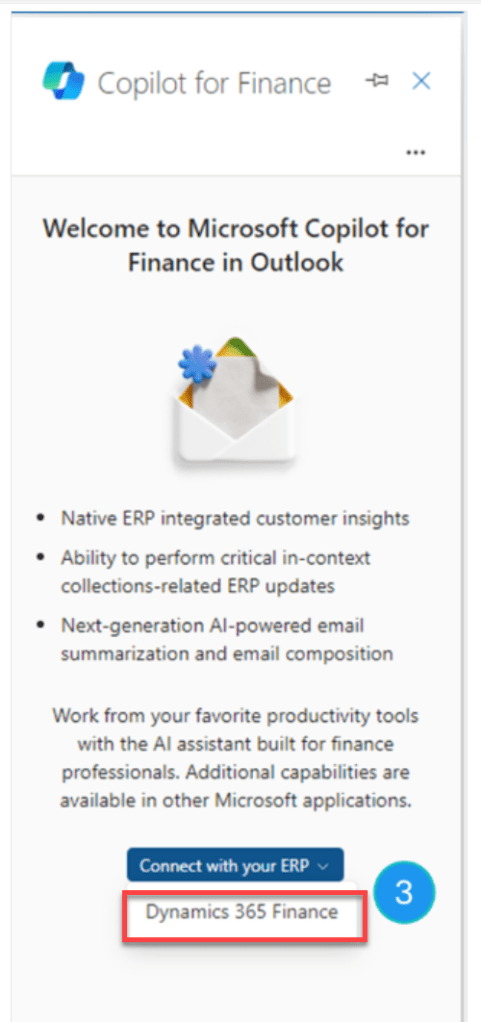
In Outlook, it supports the collections process. There is a native capability in this add-in to connect directly with Dynamics 365 Finance ERP application. Although, it also provides flexibility to integrate with other exiting ERP applications.
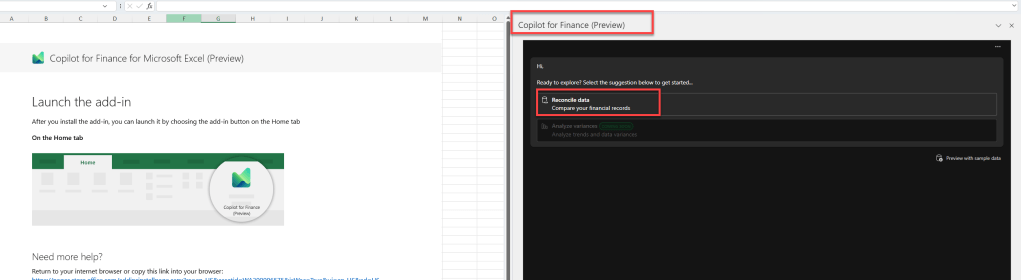
In Excel, it is mostly used for reconciliation, creating summary and provide suggestions to address discrepancies. Below is how the add in will appear upon signing up for preview
At the moment it is available in EN-US language only. Copilot for Finance can be installed by either a business user or a tenant administrator.
As a prerequisite, Microsoft 365 E3 or E5 license is required and if integration with Dynamics 365 Finance is needed then a tier 2 , power platform integration enabled environment is needed.
If you deploy the Copilot using Tenant Administrator then use the Integrated apps feature in the Microsoft 365 admin center to install Copilot for Finance. Both Copilot for Finance add-ins (Outlook and Excel) can be deployed and installed through the Integrated apps feature. For details refer to link Install Copilot for Finance (admin-deployed) (preview) | Microsoft Learn
Business users can directly deploy via AppSource . refer to link Install Copilot for Finance (business user-deployed) (preview) | Microsoft Learn
In outlook, you can select the app from All Apps menu and then to connect with Finance system you can select the environment and connect with it.
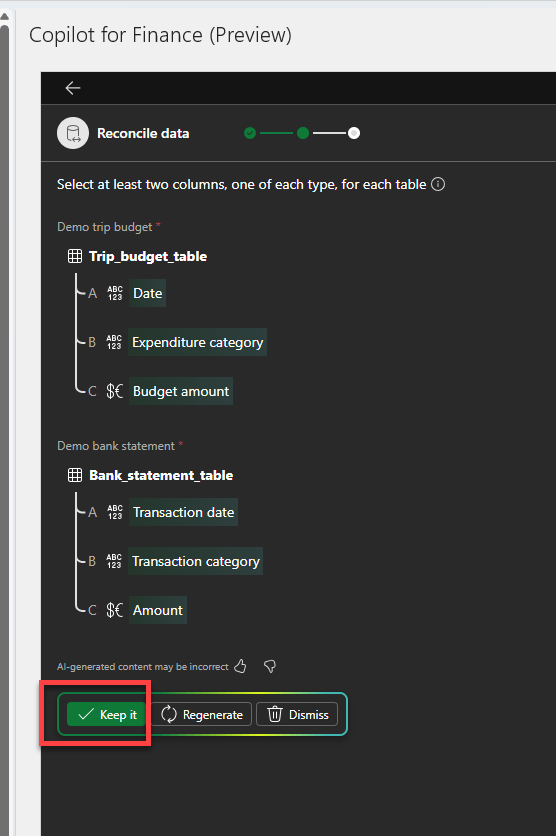
In Excel we can reconcile data, below is sample data reconciliation experience
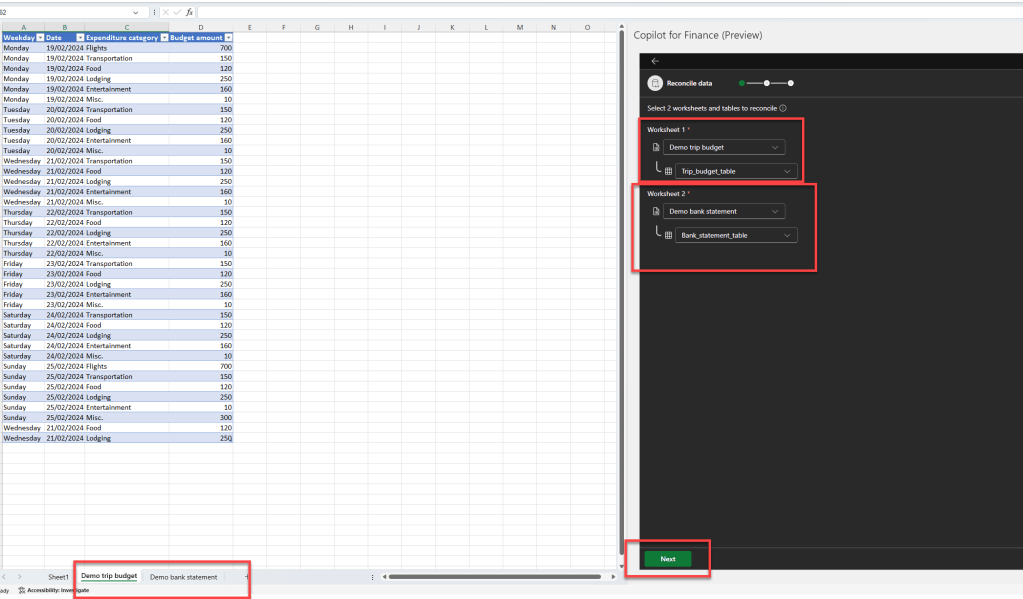
and then it ask for consent to keep AI generated data and moves to step
Within few seconds it generated a new sheet in the excel to create reconciliation summary.
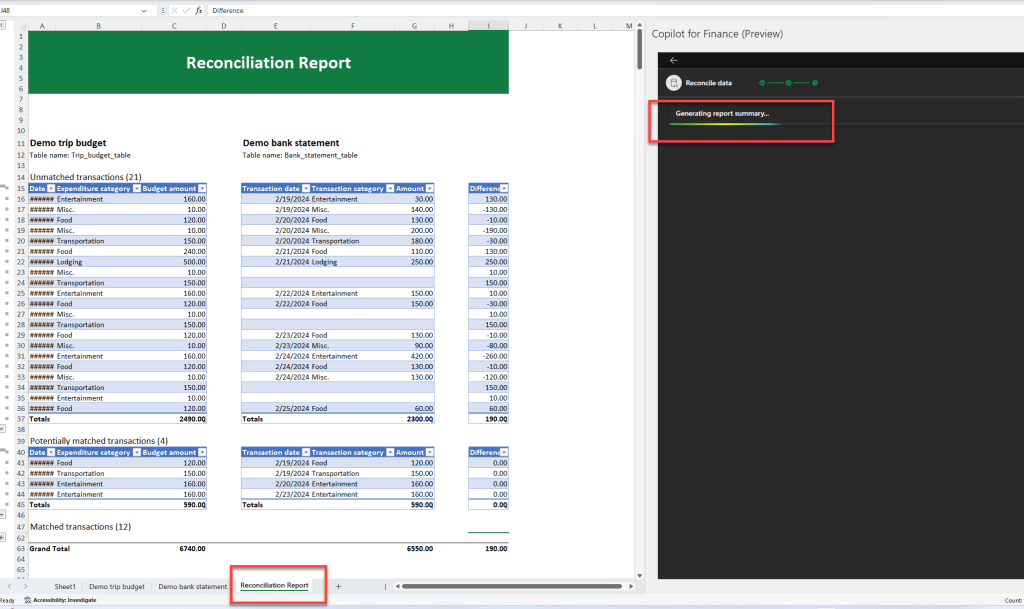

We can then save the summary as PDF or troubleshoot a particular transaction.

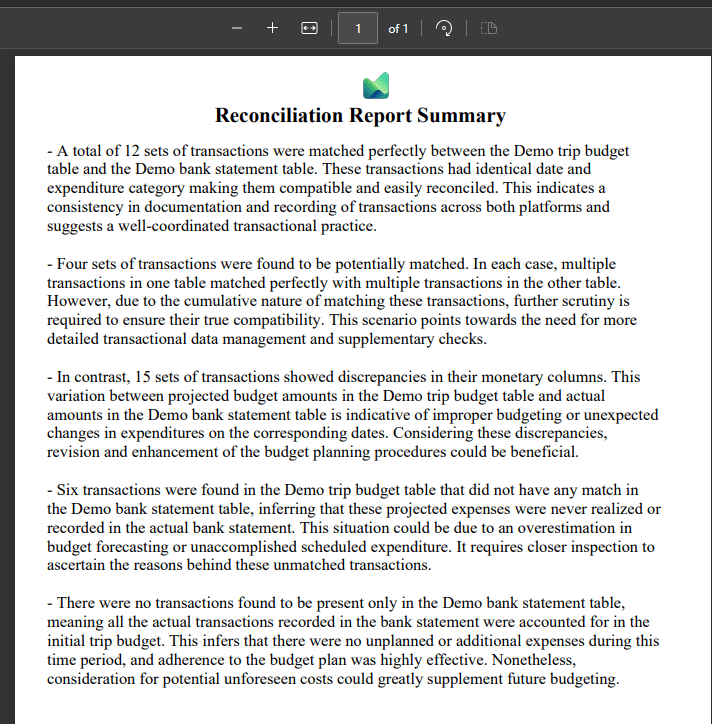
Below is how it looks when we download to PDF
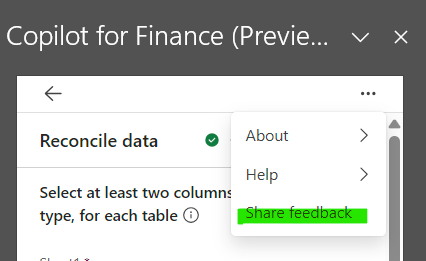
You can also share feedback with Microsoft using the Share feedback button on the copilot card.
Complete documentation of the preview feature can be found at below link: Microsoft Copilot for Finance documentation | Microsoft Learn
To summarize in my view, the Copilot for Finance will enable finance professionals to save a lot of time to perform there complex day to day operations. The ability to connect with ERP systems will enable users to stay update with all information at every place where copilot is assisting them. Although the current documentation is limited, I hope it will expand as the Copilot reaches GA. So take it for a test drive in preview phase and share your experiences and feedback with Microsoft. Thanks for reading the blog.
 Brewing thought
Leave a comment