Recently when converting D365 F&O database exported from Tier 2 machine in .backpac format to .bak format for a Tier 1 machine (Both environments in version 10.0.33) , I got below error
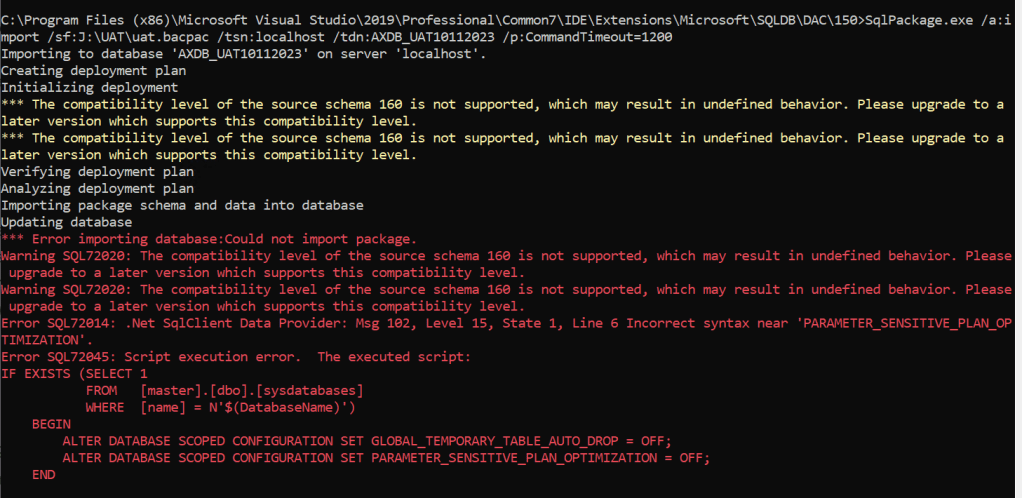
Below is the complete error message
“*** Error importing database:Could not import package.
Warning SQL72012: The object [DB10112023] exists in the target, but it will not be dropped even though you selected the ‘Generate drop statements for objects that are in the target database but that are not in the source’ check box.
Warning SQL72012: The object [DB10112023_log] exists in the target, but it will not be dropped even though you selected the ‘Generate drop statements for objects that are in the target database but that are not in the source’ check box.
Warning SQL72020: The compatibility level of the source schema 160 is not supported, which may result in undefined behavior. Please upgrade to a later version which supports this compatibility level.
Warning SQL72020: The compatibility level of the source schema 160 is not supported, which may result in undefined behavior. Please upgrade to a later version which supports this compatibility level.
Error SQL72014: .Net SqlClient Data Provider: Msg 102, Level 15, State 1, Line 6 Incorrect syntax near ‘PARAMETER_SENSITIVE_PLAN_OPTIMIZATION’.
Error SQL72045: Script execution error. The executed script:
IF EXISTS (SELECT 1
FROM [master].[dbo].[sysdatabases]
WHERE [name] = N’$(DatabaseName)’)
BEGIN
ALTER DATABASE SCOPED CONFIGURATION SET GLOBAL_TEMPORARY_TABLE_AUTO_DROP = OFF;
ALTER DATABASE SCOPED CONFIGURATION SET PARAMETER_SENSITIVE_PLAN_OPTIMIZATION = OFF;
END”
The error is due to old version of SQLpackage tools installed on the VM and the folder for version 160 did not existed in my machine. I was running the command against DAC\150 folder
In order to fix the above issue, I had to install the latest version of SqlPackage. by following the below steps :
- Go to link https://learn.microsoft.com/en-us/sql/tools/sqlpackage/sqlpackage-download?view=sql-server-ver16
- Download the latest msi file and install it
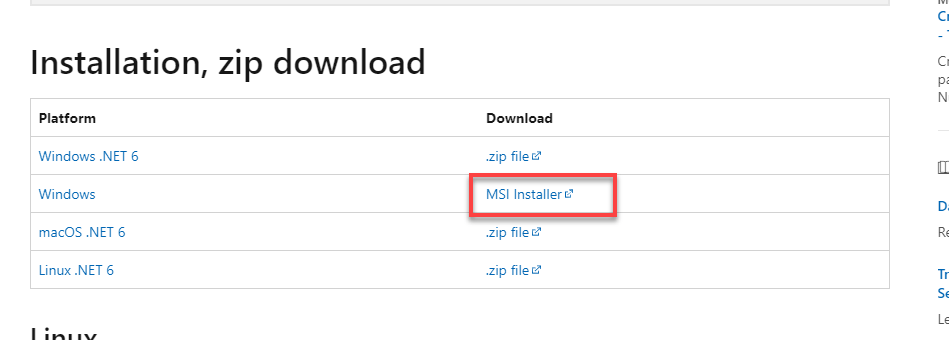
After installation I was able to see the DAC\160 folder
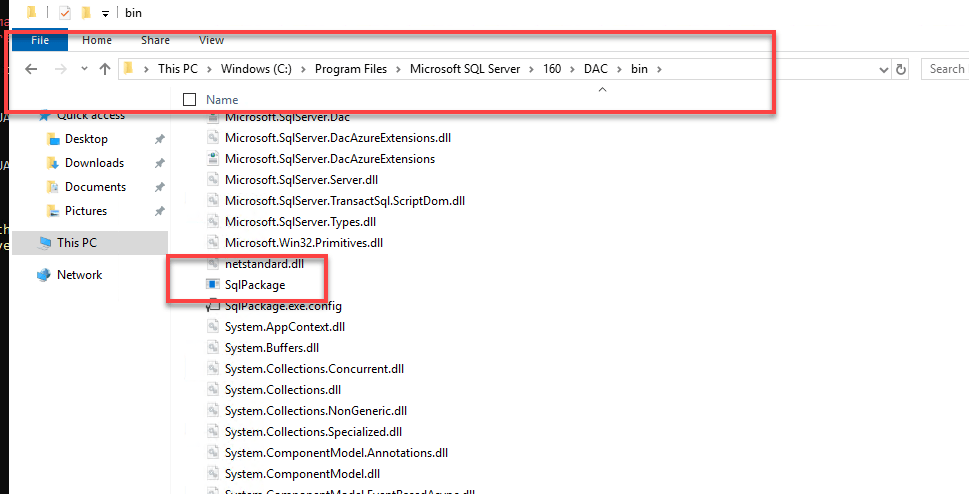
Now we can run the below database conversion command from command prompt:
C:\Program Files\Microsoft SQL Server\160\DAC\bin>SqlPackage.exe /a:import /sf:J:\UAT\uat.bacpac /tsn:localhost /tdn:DB10112023 /p:CommandTimeout=12000 /ttsc:True
Thanks for reading the blog.
 Brewing thought
Leave a comment