· General Ledger > Reports >Project > Transaction >Ledger updates -Consumption report
· General Ledger > Reports >Project > Transaction >Ledger updates – on-account transactions.
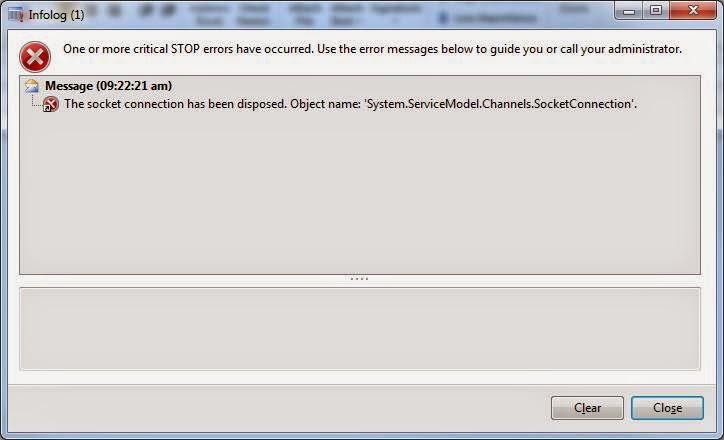
The reports were running fine when executing for shorter date ranges so we were having doubt that the report rendering was getting timed out due to large volume of data.
https://fix.lcs.dynamics.com/Issue/Solution?bugId=3129125&qc=6948a944b173c583fdcf4eb33265edcd
We have to increase the default SSRS timeout configuration settings on the report server, server configuration and business connector configuration on the SSRS server. The below link from Dynamics AX BI team which has more details on how to do it:
http://blogs.msdn.com/b/dynamicsaxbi/archive/2013/02/14/how-to-addressing-ssrs-session-timeouts.aspx
If you are facing the same error then worth trying this out. Have a great day.
 Brewing thought
Leave a comment