Hi Friends,
Recently we faced this SSRS issue in one of the clients environment running AX2012 CU4. This issue has strange definition: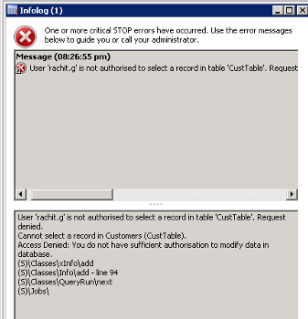
Recently we faced this SSRS issue in one of the clients environment running AX2012 CU4. This issue has strange definition:
- Comes whenever we restart AOS.
- Automatically gets fixed after almost an hour after AOS restart.
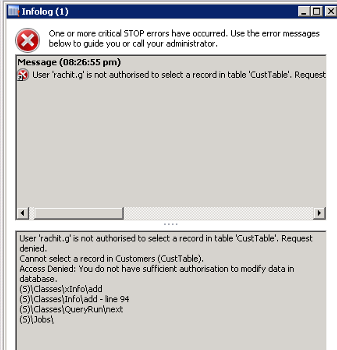
- Either of the below 2 errors used to come on running any SSRS report
- SSRS error 1 – \”Access denied. You do not have sufficient authorisation to modify data in database\”.
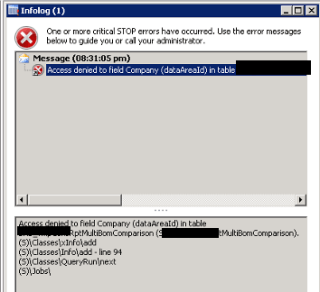
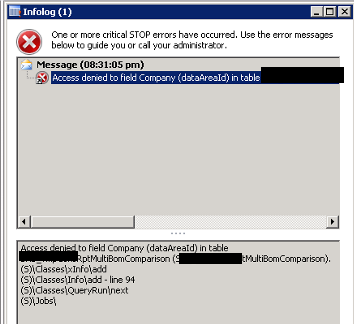
- SSRS error 2 – \” Access denied to field Company (dataAreaId) in table\”.
Initially it looked like a security issue but this error was coming with system administrator roles and all the security setup was verified to be correct.
The system was configured with 6 AOS\’es. One AOS was a dedicated batch server and the remaining 5 AOS were part of AOS cluster.
The solution found was that the business connector configuration on the SSRS server was pointing to AOS which was a dedicated batch server. It needs to point to an AOS which is a part of AOS Cluster.
We created a new business connector configuration on SSRS server and pointed it to an AOS which was part of AOS cluster and it solved the issue.
If you are facing similar scenario then make sure that the business connector is pointing to an AOS from cluster. In case you also make changes to an existing AOS cluster then take care of this point.
Thanks for reading the blog and keep sharing.

 Brewing thought
Leave a comment